Open-password workbook
Excel asks for a password before the workbook can be opened. A wrong-password attempt was rejected, and the disclosed password opened the expected sheet.
Download XLSXThese two owner-created Excel files demonstrate a common source of confusion. A workbook can require a password before it opens, or it can open normally while a worksheet blocks editing. The recovery path depends on which protection is actually present.
The visual below was rendered from the two files and the verification record on 20 November 2026. It is a lab result, not a customer result or a promise of recovery speed.
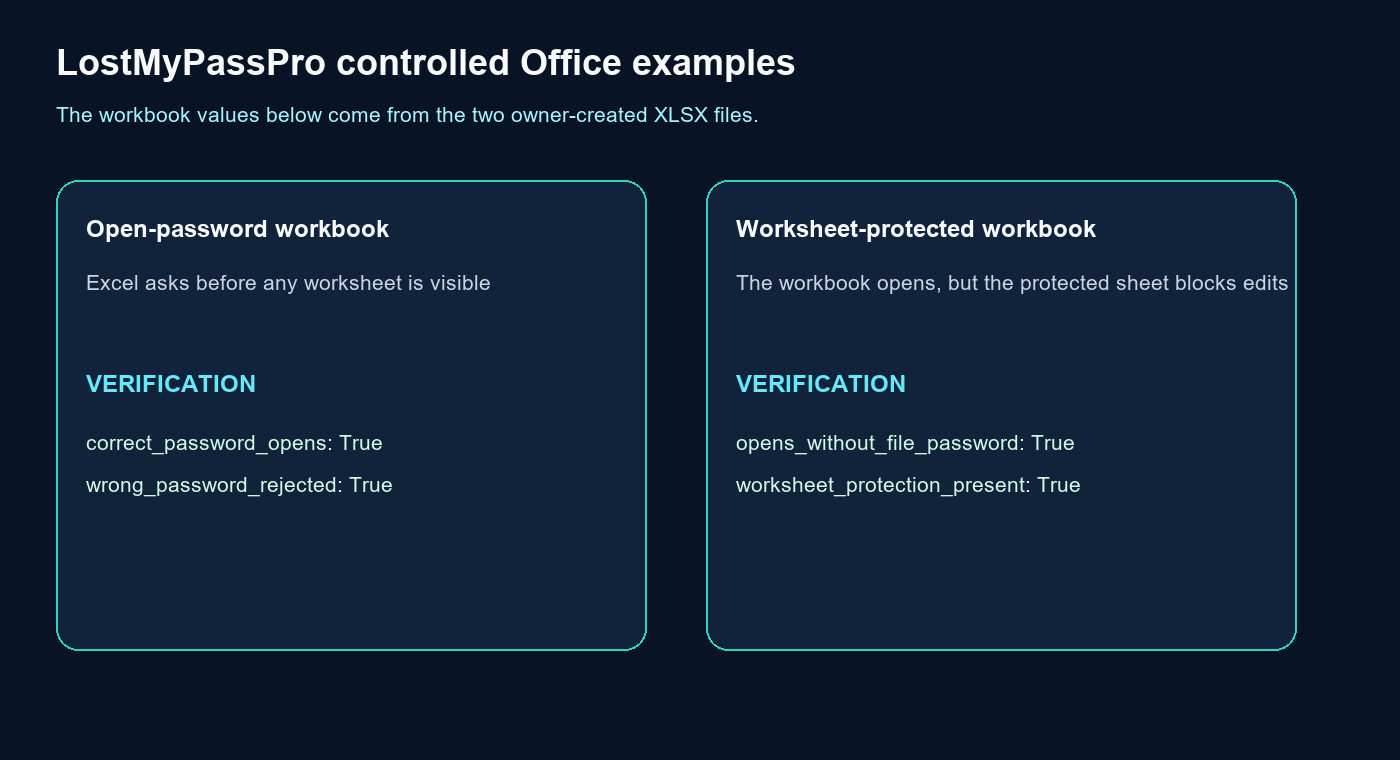
Both files contain the same visible test values. The disclosed lab password is Atlas-Open-2026!. Use it only for reproducing this controlled example.
Excel asks for a password before the workbook can be opened. A wrong-password attempt was rejected, and the disclosed password opened the expected sheet.
Download XLSXThe workbook opens without a file password. The worksheet protection flag is present, so the editing restriction is a different problem from opening encryption.
Download XLSXThe existing LostMyPassPro lab archive contains independently checked ZIP, PDF and Office fixtures. These files test format detection, correct-password behavior and deliberate wrong-password rejection. They are compatibility examples and do not represent production customer results.
Office 2007 Standard AES-128 fixtures with positive and negative password controls. The workbook sample is useful for separating file-opening encryption from worksheet protection.
Download XLSX Download DOCX Download PowerPointA controlled PDF requires an open password. This is different from a PDF that opens with an empty user password but carries owner permissions.
Download PDF Compare a PDF with editing restrictionsA stored ZipCrypto member with correct and deliberately wrong password controls. Compare it with the separate AES-256 fixture when evaluating the protection profile.
Download ZIP Compare AES ZIP Download 7z exampleAn owner-created RAR5 archive containing one harmless note. Correct and wrong-password tests were run with WinRAR's standard test command. No attack or customer data is involved.
Download RAR5