

תהליך שחזור
איך זה עובד
התחילו עם Fast Check ורמזים בחינם, או פתחו Brute Force ו-Deep Recovery דרך Tools.
העברה מוצפנת ודף סטטוס פרטי.אין צורך בהרשמה.התאמת הפורמט והמחיר מוצגים לפני התשלום.עד 3 שליחות רמזים בחינם.
תשובה קצרה
Fast Check + רמזים
התחילו עם Fast Check ורמזים בחינם, או פתחו Brute Force ו-Deep Recovery דרך Tools.
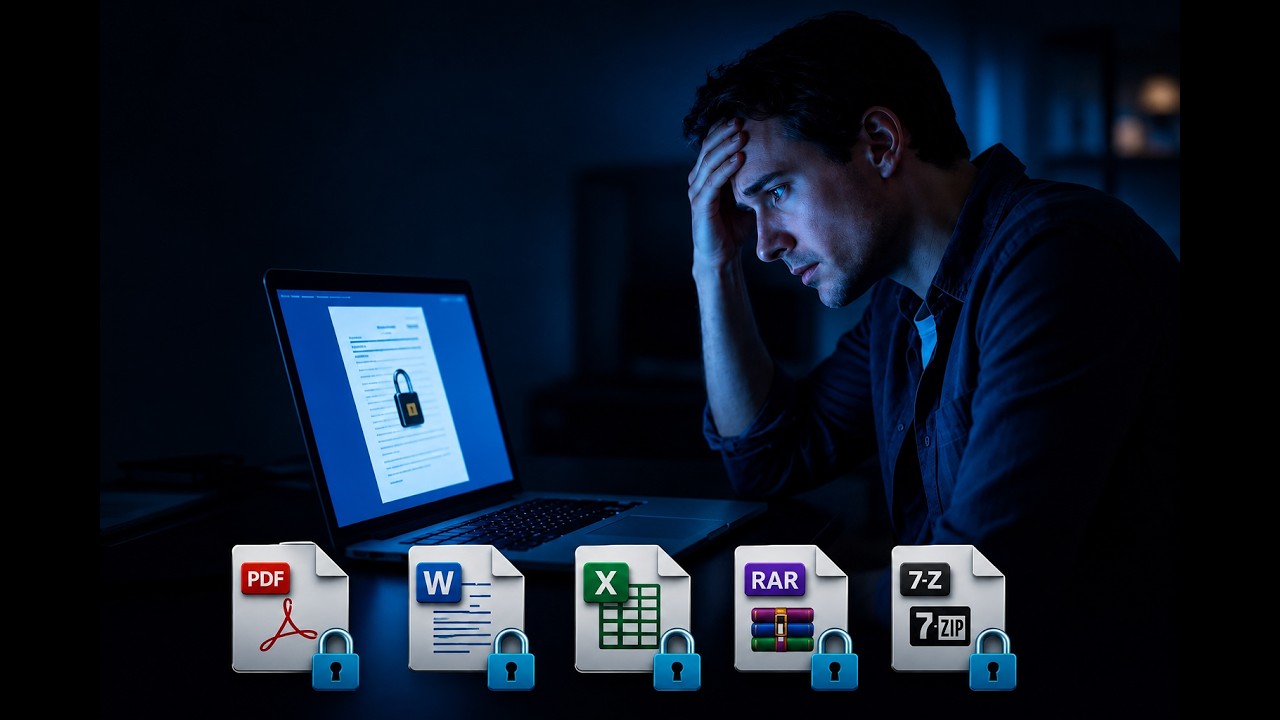
youtube.com
תהליך השחזור
איך זה עובד
- 1
העלו את הקובץ
נבדוק את סוג ההצפנה ונבחר את דרך ההתחלה המתאימה.
- ZIP, RAR, 7z, PDF, Word, Excel ו-PowerPoint.
- העברה מוצפנת ודף סטטוס פרטי.
- קובצי PDF ו-Office ישנים ונתמכים יכולים להשתמש ב-Guaranteed Recovery.
- 2
Fast Check + רמזים
תחילה נבדוק סיסמאות נפוצות. הוסיפו מילה, שם, שנה או חלק מהסיסמה בזמן החיפוש.
- ללא תשלום מראש. משלמים רק על תוצאה זמינה.
- עד 3 שליחות רמזים בחינם.
- AI יוצר גרסאות של סיסמאות מתוך הרמזים שלכם.
- 3
Brute Force או Deep Recovery
מכירים את התבנית? בחרו Brute Force. לא זוכרים דבר? בחרו בחיפוש הרחב יותר Deep Recovery.
- Brute Force: תשלום קבוע אחד מראש עבור התבנית. ללא עמלת הצלחה.
- Deep Recovery: תשלום להפעלת החיפוש ועמלת הצלחה רק אם הסיסמה נמצאה.
- Deep Recovery: עד 24 שעות של חיפוש בפועל.
- התאמת הפורמט והמחיר מוצגים לפני התשלום.
- השחזור אינו מובטח.
Next step
מוכן לשחזר את הסיסמה שלך?
התחילו עם Fast Check ורמזים בחינם, או פתחו Brute Force ו-Deep Recovery דרך Tools.