
Remove the Password From Your PDF File
Can't open a password-protected PDF? Our professional service recovers the password so you can remove the encryption permanently. Works with all PDF versions and encryption types.
Watch Come Funziona
See how we recover passwords in under 2 minutes
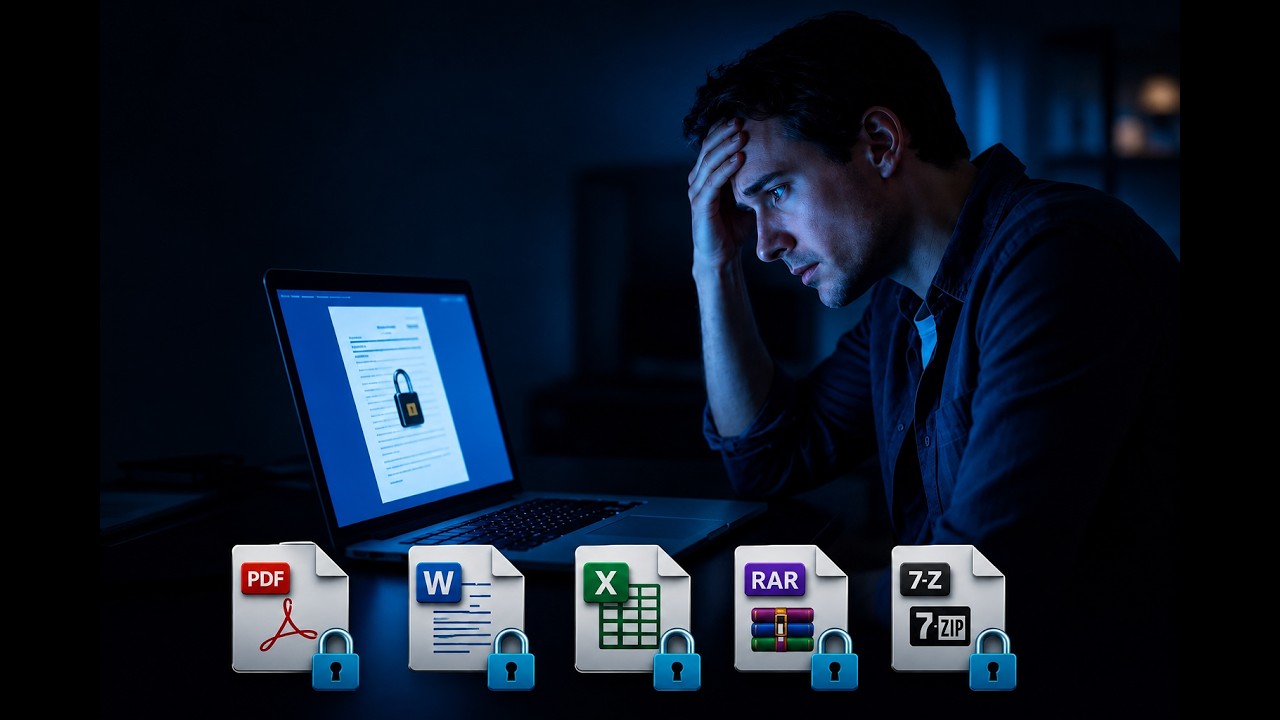
How PDF Password Removal Works
Carica il tuo PDF
Upload the PDF you can't open. We automatically detect the encryption type (RC4 or AES) and estimate how long removal will take.
We Remove the Password
Our powerful servers run millions of password combinations per second using dictionary attacks, brute force, and intelligent pattern matching to recover the password.
Download Unlocked PDF
Once found, you receive the password via email. Open your PDF and save it without protection. You only pay if we find your password. Simple PINs (up to 4 digits) and top 10K common passwords are FREE if found during Fast Check.
What We Can Remove
Password Utente (Apertura)
- Prevents opening the PDF entirely
- "Enter password" prompt on open
- Requires professional recovery
Password Proprietario (Permessi)
- Restricts printing/copying/editing
- File can still be opened and viewed
- No recovery service needed
Open the PDF in Chrome and use "Print → Save as PDF" to get an unrestricted copy. No paid service required.
Common Reasons People Need This
People lose access to their own PDF files more often than you'd think. Here are the most common situations we help with:
Password Utente vs. Password Proprietario
Before paying for password removal, make sure you actually need it. PDFs have two distinct types of passwords:
Password Utente (Apertura)
Prevents opening the PDF entirely. You see "Enter password" when trying to view the file. This is what we remove.
Password Proprietario (Permessi)
Restricts printing, copying, or editing but allows viewing. You can usually remove this locally: open the PDF in Chrome, press Ctrl+P, and "Save as PDF". No paid service needed.
Domande Frequenti
Recupero profondo + AI
Fast Check disponibile anche — $0 anticipo.
4-digit PINs & top 10K passwords FREE
PDF piГ№ vecchio? Guaranteed recovery - $0 + da $24.99
La tua privacy
Caricamento crittografato TLS 1.3
Solo intestazione crittografata analizzata
Contenuto del documento mai acceduto
Eliminazione automatica entro 24 ore
Elaborazione a conoscenza zero