
Unlock Old Office Files
Found an old Word, Excel, or PowerPoint file you can't open? Files from Office 97-2003 use weak 40-bit encryption that we decrypt with 100% certainty. Nee password needed. Betaal pas na herstel.
Watch Hoe het werkt
See how we recover passwords in under 2 minutes
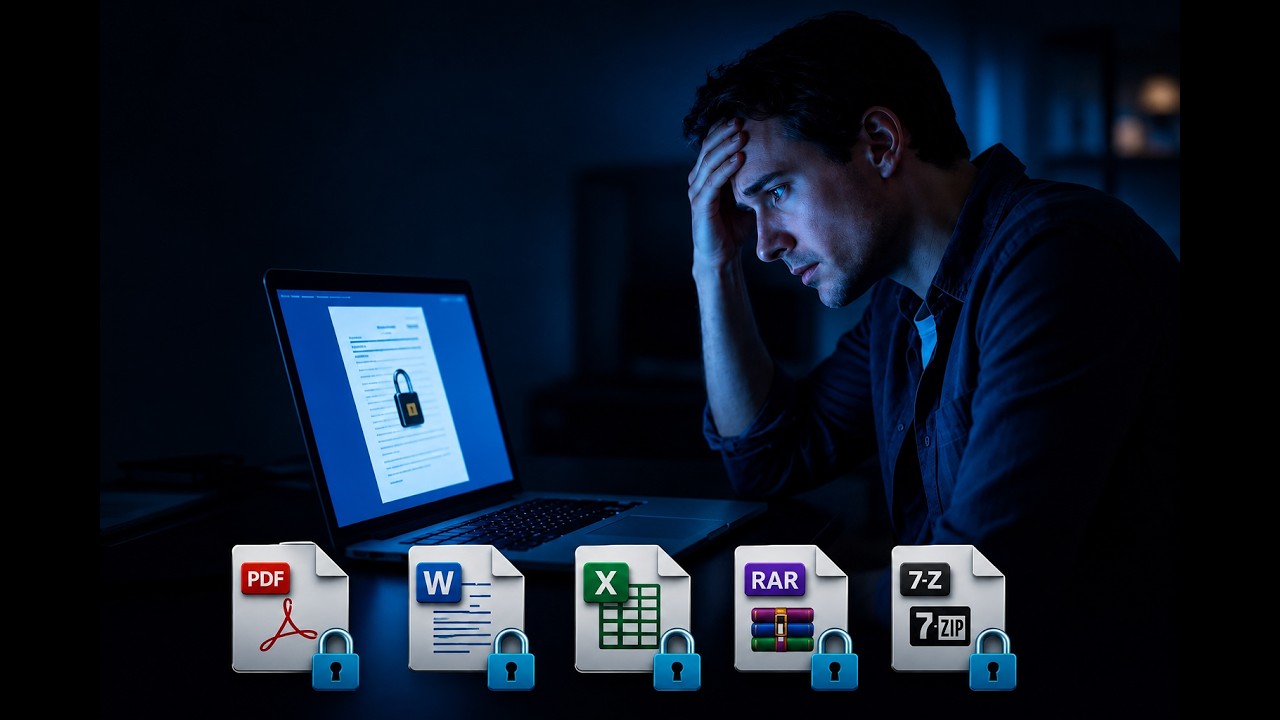
Hoe Het Werkt - Van Upload naar Ontgrendeld Bestand
Upload Uw Bestand
Upload je met wachtwoord beveiligde .doc-, .xls- of .ppt-bestand. We detecteren het versleutelingstype direct.
Auto-Detectie 40-bit
Ons systeem bevestigt 40-bit RC4-versleuteling en plaatst je bestand automatisch in de wachtrij voor gegarandeerd herstel.
Ontsleuteling in Minuten
Onze GPU-servers testen alle 1 biljoen mogelijke sleutels. Je bestand wordt in ongeveer 5 minuten ontsleuteld.
Pay & Download
Pay $24.99 and download your unlocked file. If we can't decrypt it, you pay nothing.
Welke Oude Office-bestanden Komen in Aanmerking?
Oude Formaaten (Gegarandeerd)
- .doc - Word 97-2003
- .xls - Excel 97-2003
- .ppt - PowerPoint 97-2003
- 40-bit RC4-versleuteling
Nieuwe Formaaten (Niet Gegarandeerd)
- .docx - Word 2007+
- .xlsx - Excel 2007+
- .pptx - PowerPoint 2007+
- AES-128 / AES-256 versleuteling
Waarom Oude Office-bestanden 100% Herstelbaar Zijn
Microsoft Office 97, 2000, XP (2002), and 2003 all used 40-bit RC4-versleuteling to protect documents. At the time, this was considered adequate - but by today's standards, it's trivially weak.
De wiskunde is eenvoudig:
40-bit encryption means approximately 1,099,511,627,776 (about 1 trillion) possible keys. Our GPU servers test billions of keys per second. At this speed, every single possible key is checked in just a few minutes - making it mathematically impossible to fail.
Unlike standard password recovery (which tries to guess your password), we don't need to know anything about your password at all. We recover the encryption key directly, bypassing the password entirely. This works regardless of how long, complex, or random your password was.
Wie Heeft Herstel van Oude Office-bestanden Needig?
Oude met wachtwoord beveiligde Office-bestanden duiken in allerlei situaties op. Als je bestanden uit de vroege jaren 2000 hebt gevonden die je niet kunt openen, ben je niet alleen.
Sensitive situations handled with care. Whether you're recovering documents from a loved one who passed away or accessing old business files you created years ago, your privacy is our top priority. We never access or read your document contents.
Hoe Te Controleren Of Je Bestand In Aanmerking Komt
The quickest way: just upload your file. We detect the encryption type automatically and tell you within seconds whether it qualifies for guaranteed recovery.
Maar als je eerst zelf wilt controleren, kijk dan naar de bestandsextensie:
| Extensie | Programma | Gegarandeerd? |
|---|---|---|
| .doc | Word 97-2003 | Ja - 100% |
| .xls | Excel 97-2003 | Ja - 100% |
| .ppt | PowerPoint 97-2003 | Ja - 100% |
| .docx | Word 2007+ | Nee |
| .xlsx | Excel 2007+ | Nee |
| .pptx | PowerPoint 2007+ | Nee |
Tip: On Windows, if you don't see file extensions, open File Explorer, click "View" in the toolbar, and check "File name extensions." On Mac, right-click the file and select "Get Info" to see the full filename.
Waarom Basale "Wachtwoordverwijderaar"-Hulpprogramma's Niet Werken
Als je hebt gezocht naar "oud Word-document ontgrendelen" of "oud Excel-bestand met wachtwoord openen," heb je waarschijnlijk tientallen basale hulpprogramma's gevonden die beweren Office-wachtwoorden te verwijderen. Hier is waarom ze niet werken:
Wat basale hulpprogramma's kunnen doen
Remove editing restrictions (like protected cells in Excel or read-only mode in Word). These are simple flags that don't encrypt the file content.
Wat je werkelijk nodig hebt
Break the encryption key that protects the file from being opened at all. This requires GPU-powered key recovery, which is exactly what our service provides.
Als je oude Office-bestand om een wachtwoord vraagt voordat het zelfs maar opent, is de inhoud versleuteld. Geen enkele "wachtwoordverwijdering" zal helpen - je hebt daadwerkelijk herstel van de versleutelingssleutel nodig.
Veelgestelde Vragen
Gegarandeerd Herstel
Newer Office files? See all guaranteed recovery options
Snelle Referentie
Uw privacy
TLS 1.3 versleutelde upload
Alleen versleutelde header geanalyseerd
Documentinhoud nooit benaderd
Automatische verwijdering binnen 24 uur
Zero-knowledge verwerking