

Herstelproces
Hoe Het Werkt
Begin met Fast Check en gratis aanwijzingen of open Brute Force en Deep Recovery via Tools.
Versleutelde overdracht en een privéstatuspagina.Registratie is niet nodig.Formaatbeschikbaarheid en prijs worden vóór betaling getoond.Maximaal 3 gratis inzendingen met aanwijzingen.
Snel antwoord
Fast Check + aanwijzingen
Begin met Fast Check en gratis aanwijzingen of open Brute Force en Deep Recovery via Tools.
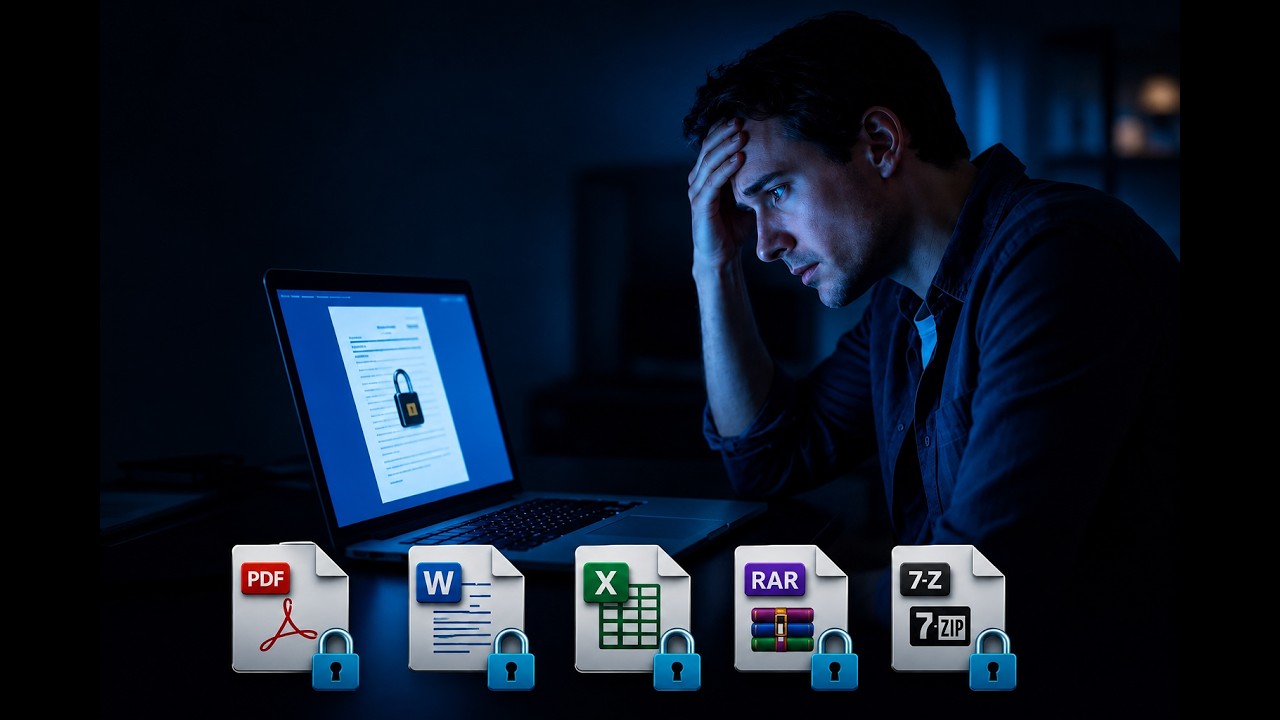
youtube.com
Herstelproces
Hoe het werkt
- 1
Bestand uploaden
We controleren de versleuteling en kiezen de juiste start.
- ZIP, RAR, 7z, PDF, Word, Excel en PowerPoint.
- Versleutelde overdracht en een privéstatuspagina.
- Geschikte oude PDF- en Office-bestanden kunnen Guaranteed Recovery gebruiken.
- 2
Fast Check + aanwijzingen
We testen eerst veelgebruikte wachtwoorden. Voeg tijdens het zoeken een woord, naam, jaar of wachtwoorddeel toe.
- Geen vooruitbetaling. Je betaalt alleen voor een beschikbaar resultaat.
- Maximaal 3 gratis inzendingen met aanwijzingen.
- AI maakt wachtwoordvarianten op basis van je aanwijzingen.
- 3
Brute Force of Deep Recovery
Ken je het patroon? Kies Brute Force. Herinner je niets? Kies de bredere zoekactie Deep Recovery.
- Brute Force: één vaste vooruitbetaling voor je patroon. Geen succesvergoeding.
- Deep Recovery: zoekactivatie en een succesvergoeding alleen als het wachtwoord wordt gevonden.
- Deep Recovery: maximaal 24 uur daadwerkelijk zoeken.
- Formaatbeschikbaarheid en prijs worden vóór betaling getoond.
- Herstel is niet gegarandeerd.
Next step
Klaar om uw wachtwoord te herstellen?
Begin met Fast Check en gratis aanwijzingen of open Brute Force en Deep Recovery via Tools.