

Australia · Payslip, Tax & Bank PDF
Locked Australian Payslip, Tax or Bank PDF? What to Check First
Australian payroll systems (MYOB, Xero, Employment Hero, KeyPay), registered tax agents and banks often encrypt emailed payslips, PAYG/income statements, super statements and historical bank PDFs. Check official portals first before running password recovery.
Check your payroll email, myGov/ATO or banking app first
Income statements and Notices of Assessment downloaded inside myGov (ATO Online) or statements exported directly from CommBank NetBank, NAB, ANZ or Westpac apps open without a separate PDF password. Password prompts usually come from emailed payroll slips (often date of birth DDMMYYYY/DDMMYY or employee code per employer instructions) or tax-agent PDF bundles.
Australian Payslip, ATO & Bank Statement PDF Lock Matrix
myGov ATO records and Big Four bank app exports open without passwords; prompts typically come from emailed Xero/MYOB/KeyPay payslips or accountant-encrypted tax packs.
| Protection Layer | Cipher / KDF Spec | Can You Bypass Locally? | Recovery Reality |
|---|---|---|---|
| myGov (ATO) & Australian Bank App Download | Authenticated portal export (unencrypted PDF) | Yes (Free) — sign in to myGov or CommBank/ANZ/Westpac/NAB | No recovery needed while official portal access works |
| Australian Payroll PDF (Xero, MYOB, Employment Hero, KeyPay) | AES-128 / AES-256 User key (DDMMYYYY / postcode / surname formula) | Often Yes (Free) — verify exact DDMMYYYY and case in payroll email | Only run recovery when custom password or archived email is gone |
| Print / Edit Permissions Lock Only | Blank User password; /O + /P viewer restriction flags | Opens directly in Chrome, Edge, or macOS Preview | No opening-password search needed when pages render |
| Archived Former-Employer Payslip / Old Tax Pack PDF | RC4-40 (Guaranteed 10400) or AES-128 / AES-256 R5–R6 | No — archived offline PDFs cannot be unlocked by free web tools | $0 upfront header check + cloud GPU recovery or local hash mode |
Never enter myGov credentials, NetBank PINs, or full TFNs as password hints — use zero-upload local hash extraction for confidential Australian tax returns.
Free Australian ATO, payslip & bank PDF pre-check in 30 seconds
Test myGov and Australian payroll email formats before starting recovery.
- Check myGov (ATO Income Statements & Notices of Assessment) or your CommBank / ANZ / Westpac / NAB app to export a fresh unencrypted PDF.
- For Xero, MYOB, Employment Hero, or KeyPay emailed payslips, re-read the payroll welcome email and test DDMMYYYY, DDMMYY, or 4-digit postcode rules.
- If an older archived PDF has a forgotten custom password, drop an authorized copy above (or submit its local hash) for a $0 check.
Quickest path for Australian PDFs
1. Check the MYOB / Xero / HR cover email
Payroll emails specify the exact format set by your employer—commonly DDMMYYYY birth date, postcode or staff ID.
2. Re-download via myGov or mobile banking
Use ATO Online via myGov for official income statements, or your Australian bank/super app for clean statement PDFs.
3. Test an archived PDF with Password Recovery
If an old authorised PDF has a forgotten custom password and can no longer be re-exported, upload a copy with no upfront charge.
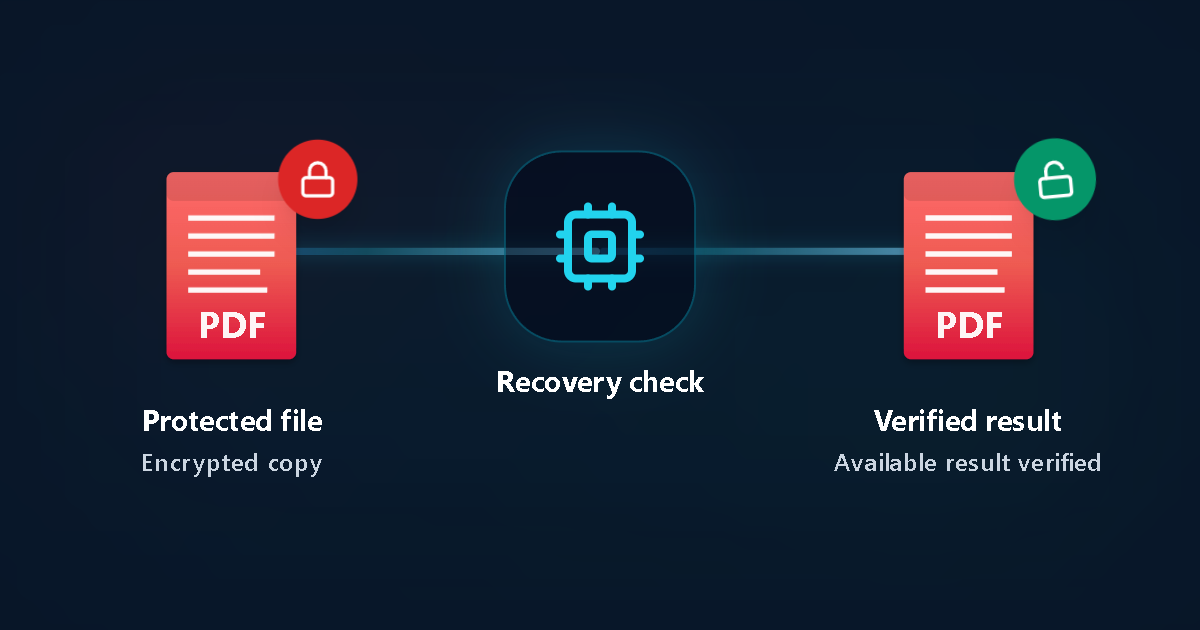
Protected file
Encrypted copy
Recovery check
Verified result
Available result verified
Australian payroll, super & bank statement checklist
Steps to open a locked Australian payslip, tax or bank PDF
Verify Australian date format (DDMMYYYY)
Most Australian payroll exports use day-month-year order without slashes, though some international systems use YYYYMMDD.
Use myGov / ATO Single Touch Payroll records
Employers report Single Touch Payroll (STP) figures to the ATO, so official income statements are available inside myGov.
Download directly from CommBank, NAB, ANZ or Westpac
Authenticated banking sessions provide immediate PDF statements without email-attachment passwords.
Never disclose TFN, myGov or banking codes
Never enter your Tax File Number (TFN), myGov security codes, NetBank passwords or card PINs on any external site.
Submit an authorised copy for Password Recovery
For older locked files stored on your Mac, PC or phone, upload a copy to detect the PDF encryption profile automatically.
Decide after seeing verified proof
Password Recovery starts free of upfront charges; payment applies only if a verified result is found and selected.
Key facts & privacy protection
Australian document facts
- Tax agents using Xero Tax, MYOB or HandiTax often apply a custom client password communicated by SMS or email.
- Document-open encryption differs from read-only / print permissions.
Privacy & 24h deletion
- Authorised personal or business files only.
- Automatic deletion within 24 hours of upload.
Typical Australian scenarios
Old MYOB or Xero payslip PDF from a closed business
When the employer portal is gone, remembered date patterns or password habits help focus Password Recovery.
Encrypted tax return pack from a previous accountant
Check old SMS/email threads from the firm first; otherwise test a copy of the PDF online.
Australia payslip, ATO & bank PDF FAQ
Do ATO PDFs from myGov have a password?
Files saved directly from your myGov inbox or ATO Online services normally open without a password. Password prompts usually come from tax-agent emails or employer payroll systems.
How do I unlock a CommBank, NAB, ANZ or Westpac statement PDF?
Check the statement email instructions if sent by email, or sign in to NetBank / your mobile banking app to download an unencrypted statement PDF directly.
Is Password Recovery free to start for Australian users?
Yes. There is no upfront charge to run Password Recovery; you only pay if recovery succeeds and you choose to unlock the result.
Should I enter my TFN as a password hint?
No. Never enter your Tax File Number (TFN), banking PINs or SMS one-time codes.
Can I upload from an iPhone, Android or Mac?
Yes. Everything runs in the browser with no Windows or macOS software installation.
Related Australian guides
Official references
LostMyPassPro vs Free PDF Unlockers vs Desktop PDF Tools (Australia)
Compare browser cloud GPU checks against permission-only web sites and paid desktop installers.
| Criterion | LostMyPassPro (Cloud GPU) | Desktop .exe (PassFab / Passper / iSumsoft) | Smallpdf / iLovePDF Online Unlockers |
|---|---|---|---|
| Recovers forgotten Open passwords on archived AU payslips/tax PDFs | Yes — cloud GPU cluster across RC4-40, AES-128 & AES-256 | Yes, limited to your local laptop CPU/GPU | No — stops and requests the Open password first |
| Zero-upload local hash option + 24-hour auto-deletion | Yes — keep raw tax PDF local or rely on 24h max auto-purge | Requires installing closed-source .exe/.dmg locally | Requires uploading full PDF and still fails on Open encryption |
| Upfront cost risk | $0 upfront check — pay only after verified match | Paid license or subscription required upfront | Cannot unlock unknown Open passwords |
Still unable to open your own PDF?
Upload an authorised copy to run Password Recovery with zero upfront payment and review verified options first.