

United Kingdom · Payroll, Tax & Bank PDF
Locked UK Payslip, P60/P45 or Bank Statement PDF? What to Check
UK employers, accountants and high-street banks frequently password-protect emailed ePayslips, P60/P45 certificates, Self Assessment tax packs and historical statement PDFs. Check the official sender rule or portal re-download first before testing password recovery.
Check your payroll email or UK banking app before running recovery
Direct downloads from your HMRC Personal Tax Account or UK mobile banking apps (Barclays, HSBC UK, Lloyds, NatWest, Santander, Monzo, Starling) are normally unencrypted once you sign in. Password prompts usually appear on emailed payroll PDFs (often using National Insurance letters/digits, date of birth DDMMYYYY/DDMMYY, or postcode as explained in the delivery email) or accountant-encrypted archives.
UK Payslip, P60 & Bank Statement PDF Protection Breakdown
HMRC Personal Tax Account downloads and UK banking app statements are unlocked; password prompts usually come from emailed employer payroll bureaus or archived accountant PDFs.
| Protection Layer | Cipher / KDF Spec | Can You Bypass Locally? | Recovery Reality |
|---|---|---|---|
| HMRC Personal Tax Account & UK Banking App Export | Authenticated portal PDF (no opening password) | Yes (Free) — sign in to HMRC or Barclays/HSBC/Lloyds/NatWest/Monzo | No recovery needed when official portal access is still available |
| UK Payroll Bureau ePayslip / P60 (Sage, BrightPay, Xero, Iris) | AES-128 / AES-256 User password (NI prefix / DDMMYYYY / postcode) | Often Yes (Free) — check uppercase/spacing rule in welcome email | Use recovery only if a custom password was forgotten or portal closed |
| Owner / Print Restriction Only | Empty User key; /O + /P viewer permission flags | Opens freely in Chrome, Edge, or macOS Preview | No opening-key recovery needed when document text displays |
| Archived Legacy / Former-Employer UK PDF | RC4-40 (Guaranteed 10400) or AES-128 / AES-256 R5–R6 | No — former employer payroll portals expire after leaving | $0 upfront header check + cloud GPU recovery or zero-upload hash |
Never share Government Gateway logins, UK banking passcodes, or card PINs anywhere; use local hash extraction if your archived UK tax pack contains confidential data.
Free UK payroll & HMRC pre-check before starting recovery
Test official UK sources and formatting quirks in 30 seconds first.
- For Sage, BrightPay, Xero, or Iris ePayslips, check your onboarding email and test uppercase vs lowercase NI letters and postcodes with/without a space.
- Check your HMRC Personal Tax Account (via GOV.UK) for employment income history or export a fresh unencrypted statement from your UK banking app.
- If an archived P60, P45, or Self Assessment PDF from a closed employer/accountant remains locked, drop a copy above (or submit its local hash) for a $0 check.
Fastest way to open your authorised UK PDF
1. Check the payroll or accountant cover email
Sage Payroll, BrightPay, Xero UK and ADP emails typically state whether your PDF uses your National Insurance number, birth date or postcode without spaces.
2. Re-download via HMRC or your banking app
Sign in to your HMRC Personal Tax Account for employment income history, or open your UK banking app to export a fresh unencrypted statement PDF.
3. Old locked PDF you can no longer re-issue?
If a former employer portal is closed and your saved P60, payslip or statement PDF remains locked, start Password Recovery online with no upfront payment.
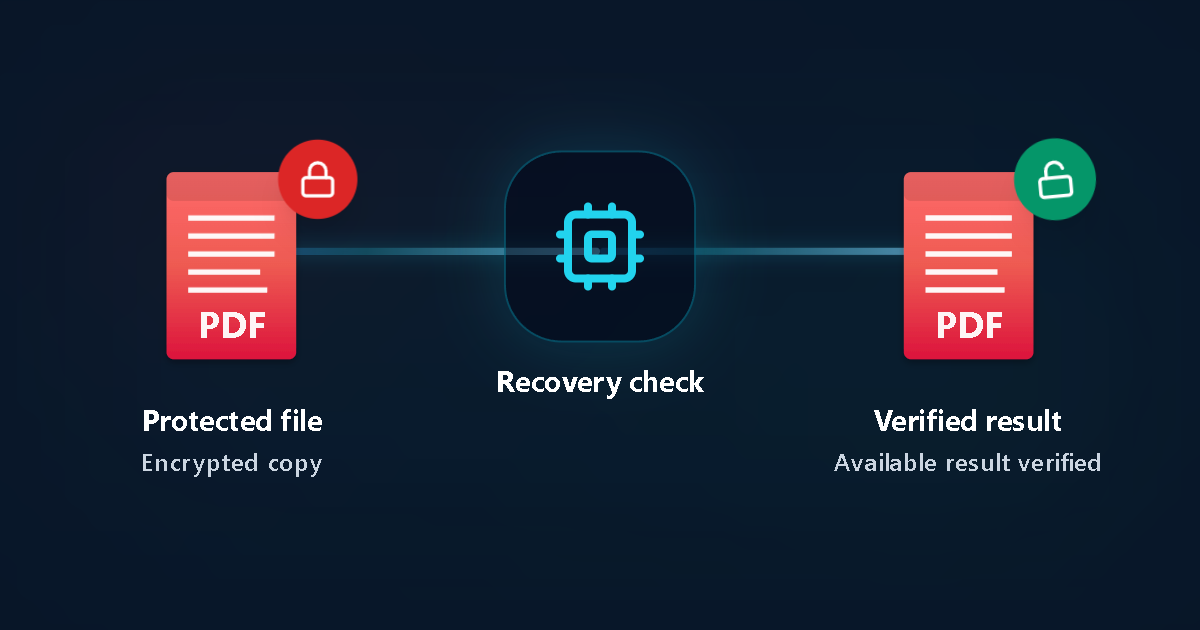
Protected file
Encrypted copy
Recovery check
Verified result
Available result verified
Detailed UK payroll & statement troubleshooting checklist
Steps to troubleshoot a locked UK payslip, P60 or bank PDF
Match uppercase/lowercase and postcode spacing
UK payroll systems vary on whether National Insurance prefixes or postcodes expect uppercase letters with or without a space. Test both exact formats noted in the email.
Distinguish open passwords from print restrictions
If you can already read the statement or P60 on screen, no opening-password recovery is needed—only printing or editing permissions are restricted.
Use official portals for current tax years
HMRC Personal Tax Account (via Government Gateway) and UK banking apps provide immediate official copies without needing third-party tools.
Never share banking PINs, OTPs or Gateway logins
Never type online banking passcodes, card PINs, one-time passcodes or Government Gateway credentials into any website.
Upload an authorised archive copy for Password Recovery
When only an encrypted historical PDF remains on your device, upload a copy to identify the PDF encryption profile and test supported candidates.
Review verified proof before paying
Password Recovery starts at £0 / $0 upfront. You see the exact price and verified recovery status on your private status page before choosing to unlock.
Key UK document & privacy facts
UK payroll & bank PDF facts
- There is no single universal password across all UK banks or payroll bureaus—each employer or platform sets its own rule.
- Resetting your HR portal login does not change the password embedded inside an already-downloaded PDF.
Privacy & retention
- Submit only documents you own or are authorised to access.
- Uploaded files are automatically deleted within 24 hours.
Common UK situations
P60 or final payslip from a previous UK employer
When employee self-service access has expired, non-sensitive hints such as year, surname or format structure help focus Password Recovery.
Accountant Self Assessment PDF bundle
Check your firm’s client portal message first; if archived offline years ago with a forgotten password, upload a copy for inspection.
UK P60, payslip & bank PDF FAQ
Does HMRC put a default password on Personal Tax Account PDFs?
Documents saved directly after signing in to your HMRC Personal Tax Account normally do not have a separate PDF password. Password prompts usually come from employer payroll software or tax advisers.
What password format do UK ePayslips and P60s usually use?
Employers using Sage, BrightPay, Xero or bureau payroll commonly configure date of birth (DDMMYYYY or DDMMYY), National Insurance number characters, or postcode—always verify the exact format in your welcome or payslip email.
Can I get an unencrypted statement from Barclays, HSBC, Lloyds or NatWest?
Yes. Logging in to your UK bank’s official mobile app or online banking lets you download fresh statement PDFs directly without email encryption.
Does Password Recovery cost anything upfront?
No. Password Recovery begins without upfront payment; you only pay if a verified result is found and you decide to unlock it.
How quickly are uploaded UK PDFs deleted?
Files are processed in isolated workers and automatically purged within our 24-hour retention window.
Related UK guides
Official references
LostMyPassPro vs Smallpdf / iLovePDF vs Desktop PDF Software (UK)
Compare browser cloud GPU recovery against free web unlockers and paid desktop installs.
| Criterion | LostMyPassPro (Cloud GPU) | Desktop .exe (PassFab / Passper / iSumsoft) | Smallpdf / iLovePDF Online Unlockers |
|---|---|---|---|
| Recovers forgotten Open passwords on archived P60 / payslip PDFs | Yes — cloud GPU recovery for RC4-40, AES-128 & AES-256 | Yes, limited to your home laptop's CPU/GPU | No — stops and asks for the Open password first |
| Zero-upload hash mode & UK GDPR 24-hour auto-deletion | Yes — local hash option + automated 24h max deletion | Requires installing closed-source .exe/.dmg locally | Uploads full PDF and still fails on encrypted Open prompts |
| Upfront cost before proof | £0 / $0 upfront check — pay only on verified match | Upfront paid software license or recurring subscription | Cannot unlock unknown Open passwords |
Still locked out of an older UK PDF?
Upload an authorised copy to start Password Recovery with zero upfront payment and review verified options first.